
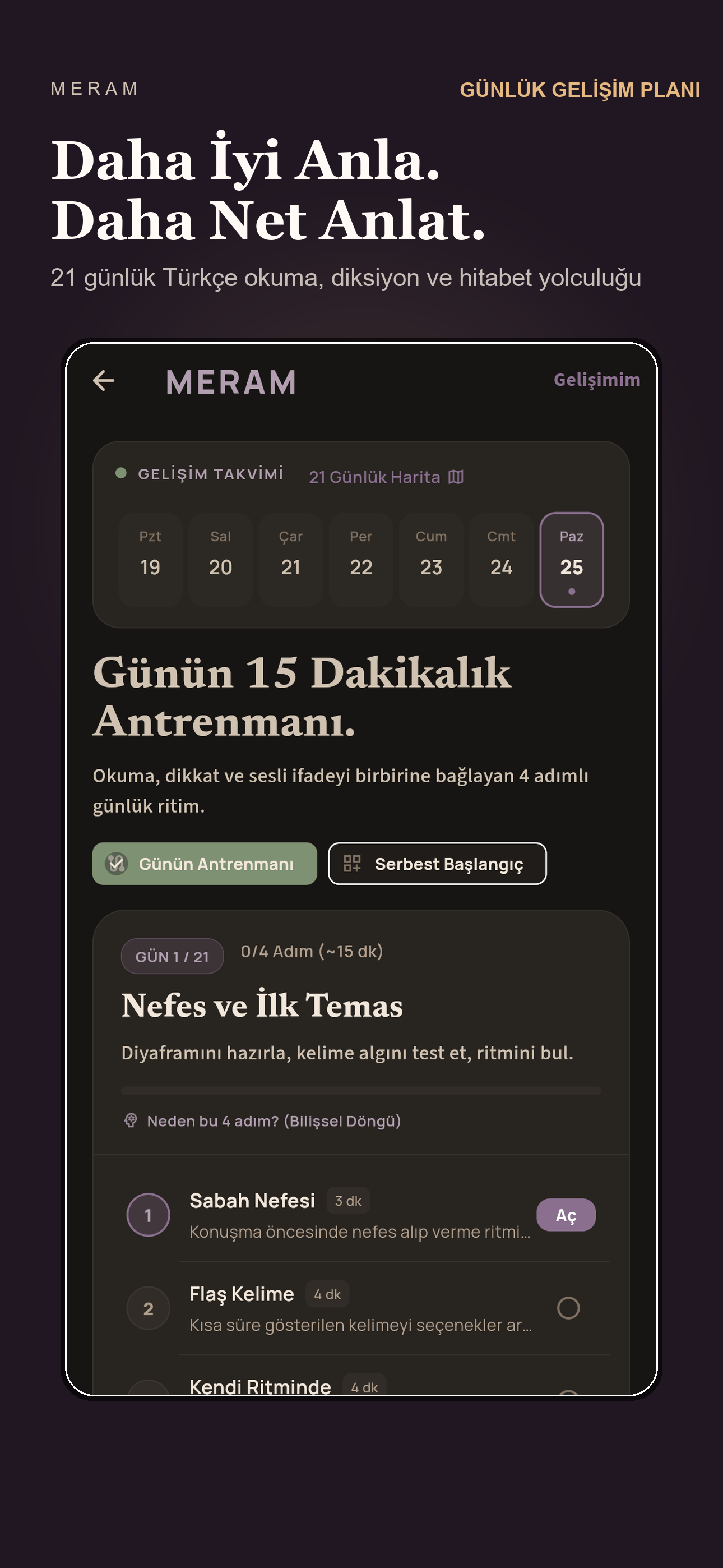
Diction & speed reading practice
Meram
 Opalin Ai
Meet our flagship
A connection that goes with you.
Share Android mobile data with Windows, by USB or Wi-Fi Direct.

OpalNET+ speaks your language
Choose your app language in Settings.
Plug in.USB connection
Go wireless.Wi-Fi Direct connection
Start on your PC.Connect from the desktop app
The rest of the studio
Tools for learning, preparation
and everyday life.
Diction & speed reading practice

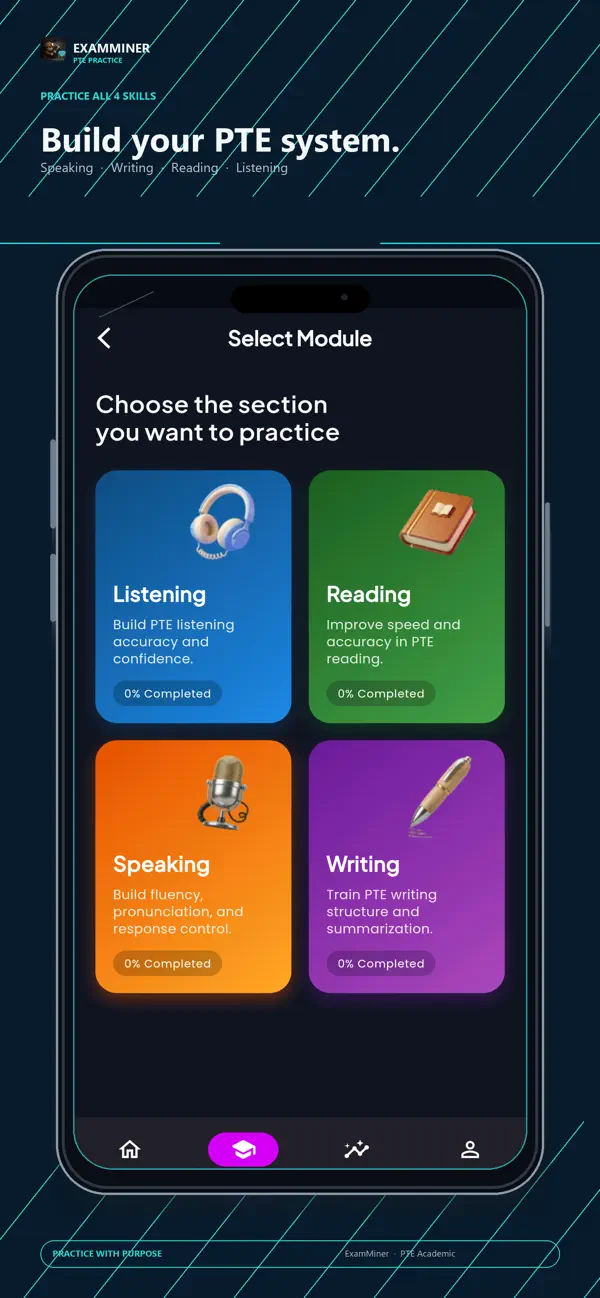
PTE Academic practice

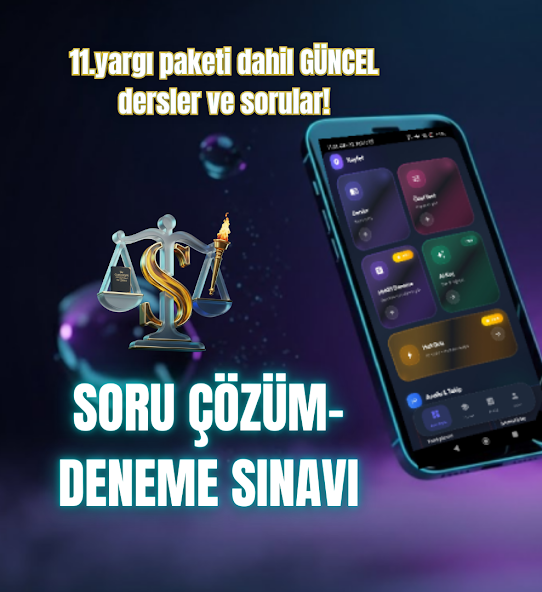
HMGS & IYOS preparation
Available on Android, iPhone & iPad
Prepare for Turkish legal-profession exams with question practice, study materials and an AI study coach.

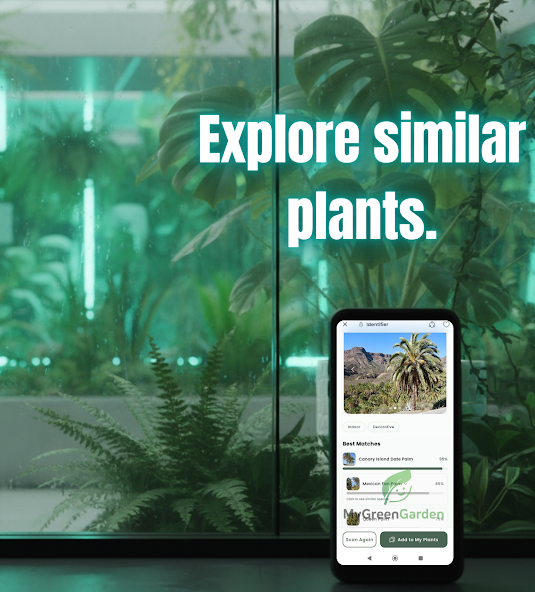
Plant care
Available on Android
Identify plants, explore possible plant-health issues and keep your care routines in one place.
Opalin Ai
We build focused apps for connection, learning and everyday routines. OpalNET+ leads our growing collection of mobile and desktop tools.
Get in touch